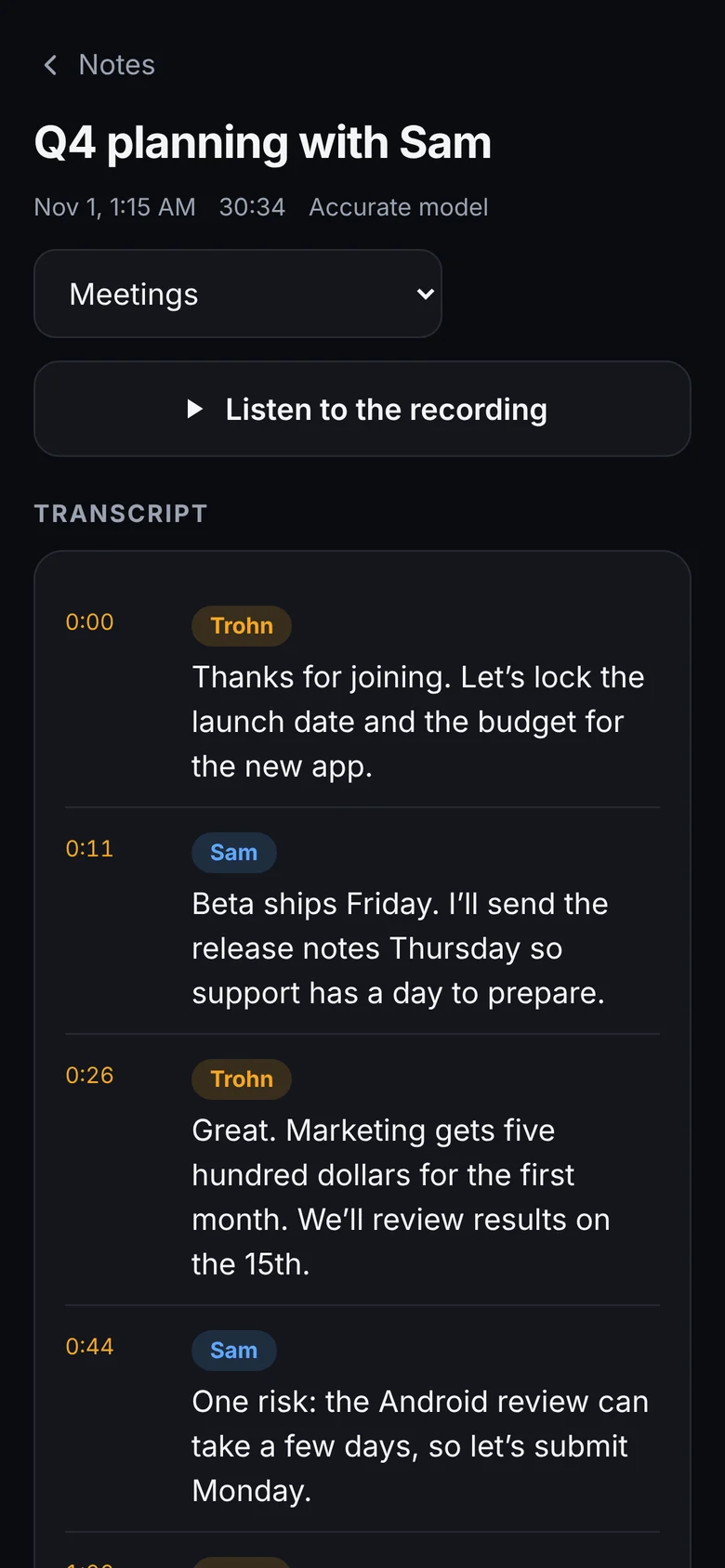
Record meetings, lectures and ideas, and get clean, searchable notes in seconds. The AI runs on your own phone or computer, so your words never leave it.


Built for meetings, classes, interviews and every idea you'd otherwise forget.
Phone mic, headset or laptop mic. Saved every second, so a crash or dead battery never loses your audio.
OpenAI's Whisper speech model, running on your device. Punctuated, with timestamps, even with accents and background noise.
Speaker labels for up to three people. Rename "Speaker 1" to "Sam" and it updates everywhere.
Paragraphs, not walls of text. Tap any word to fix it, or tap a time to hear that moment again.
Search every word you've ever recorded. Sort by Meetings, Lectures, Interviews, Ideas and more.
Copy, share, or save as a text file, PDF or audio file. Send meeting notes to your team in seconds.
Most AI notetakers upload your conversations to their servers. Some have been sued for recording people without consent and training AI on it. We built the opposite.
| Trohn Notetaker AI | Typical cloud notetaker | |
|---|---|---|
| Where your audio goes | Stays on your device | Uploaded to their servers |
| Used to train AI | Never | Often, unless you opt out |
| Works offline | Yes | No |
| Bot joins your meetings | Never | Often |
| Account required | No | Yes |
No setup and no learning curve.
Talk, or record a meeting or class. Pause anytime. Every second is saved as you go.
Your device's AI writes it out with punctuation, timestamps and speaker names.
Search it, fix a word, share it, or save a PDF. It's all organized for you.
No app store needed. It installs straight from this site and opens like any other app.
Yes, while we're in beta. A low-cost Pro plan with extras like AI summaries is coming. The core recorder and transcription will stay free.
Only once, to download the app and the speech model (about 80 MB on phones). After that it works fully offline, even in airplane mode.
It uses OpenAI's Whisper speech model, one of the most accurate available. Pick Fast, Balanced or Accurate depending on your device. Clear audio and a good mic help most.
On a phone it records through your microphone, like a voice recorder, so it hears the room or your speakerphone. On a computer you can also import a recording of any call. Always get everyone's consent first.
On your device, in the app's private storage. Install it to your Home Screen and tap "Keep my notes safe" in Settings so your browser never clears them. Export anything important as a PDF or text file.
On phones, yes. iPhones and Android phones pause web-app recording when the screen locks. The app keeps your screen awake while recording, and anything recorded is always saved.
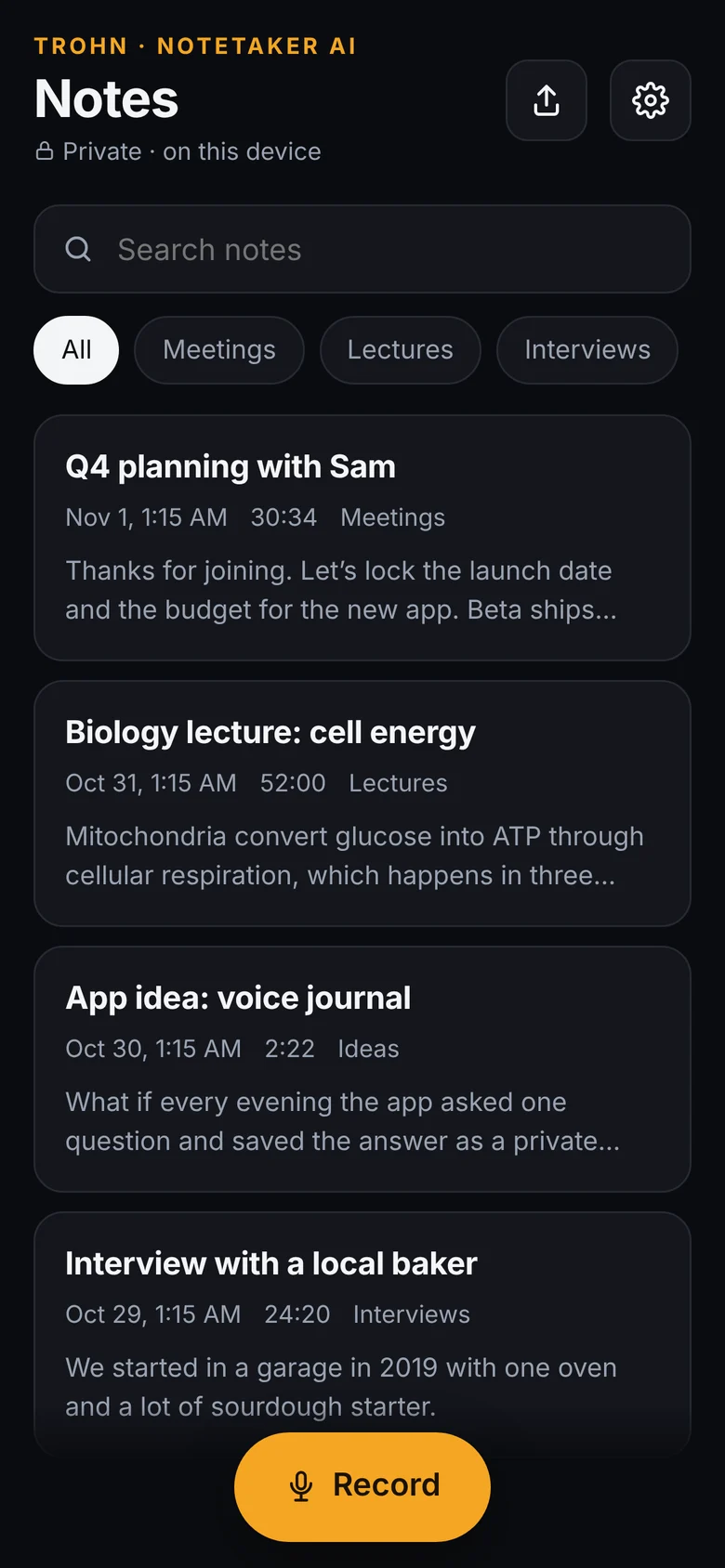
Free, private, and ready in seconds.
Takes 10 seconds. No App Store needed.
The orange microphone icon appears on your Home Screen. Open it from there.